checkout this branch
Welcome to one of the most easily confused git commands there is: checkout. Many people use the phrase, “Checkout the code” to mean “retrieve the latest copy of the code from the origin repo.” This is not the case (you retrieve the latest copy of the code with the pull command – see push and pull).
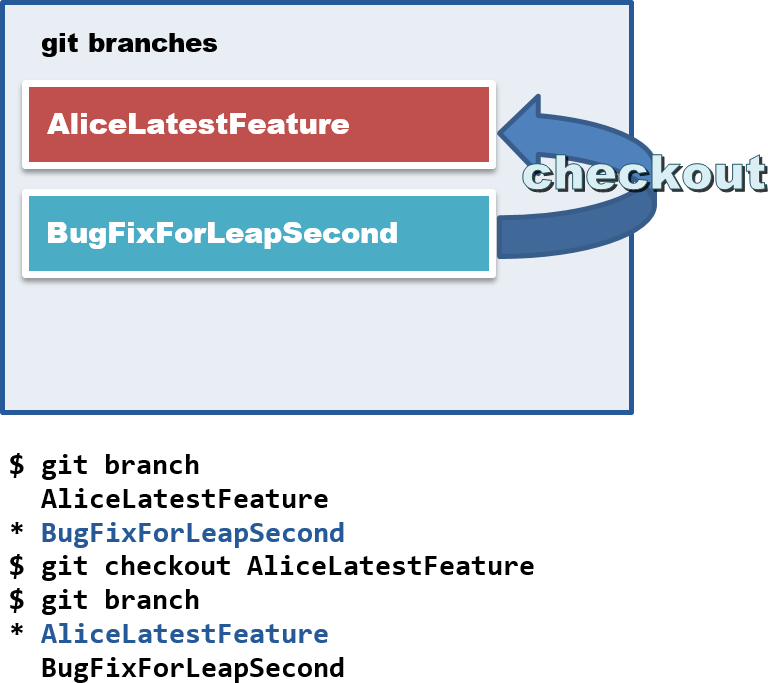
$ git checkout master
$ git checkout BugFix1
$ git checkout AwesomeNewButton
The branches themselves are hidden but managed by git. When you checkout a branch git will automatically change the contents of the codebase directory to reflect the current state of the active branch. So don't worry if suddenly you find a lot of code missing, it's likely to be hanging around in a different branch. Use the branch command to get a list of all the branches available locally to checkout.
$ git branch
* master
  BugFix1
  AwesomeNewButton
Or create a brand new branch to which new commits can be added. The state of this new branch is a copy of whichever branch is currently active.
$ git branch MyBrandNewBranch